Moving from a legacy business system to a modern CRM or business platform can unlock better productivity, automation, reporting, and collaboration. But there is one part of migration that businesses often underestimate: data quality.
Years of spreadsheets, outdated software, duplicate customer records, incomplete contact information, and inconsistent formats can make migration complicated. Moving poor-quality data into a new system simply creates the same problems in a new environment.
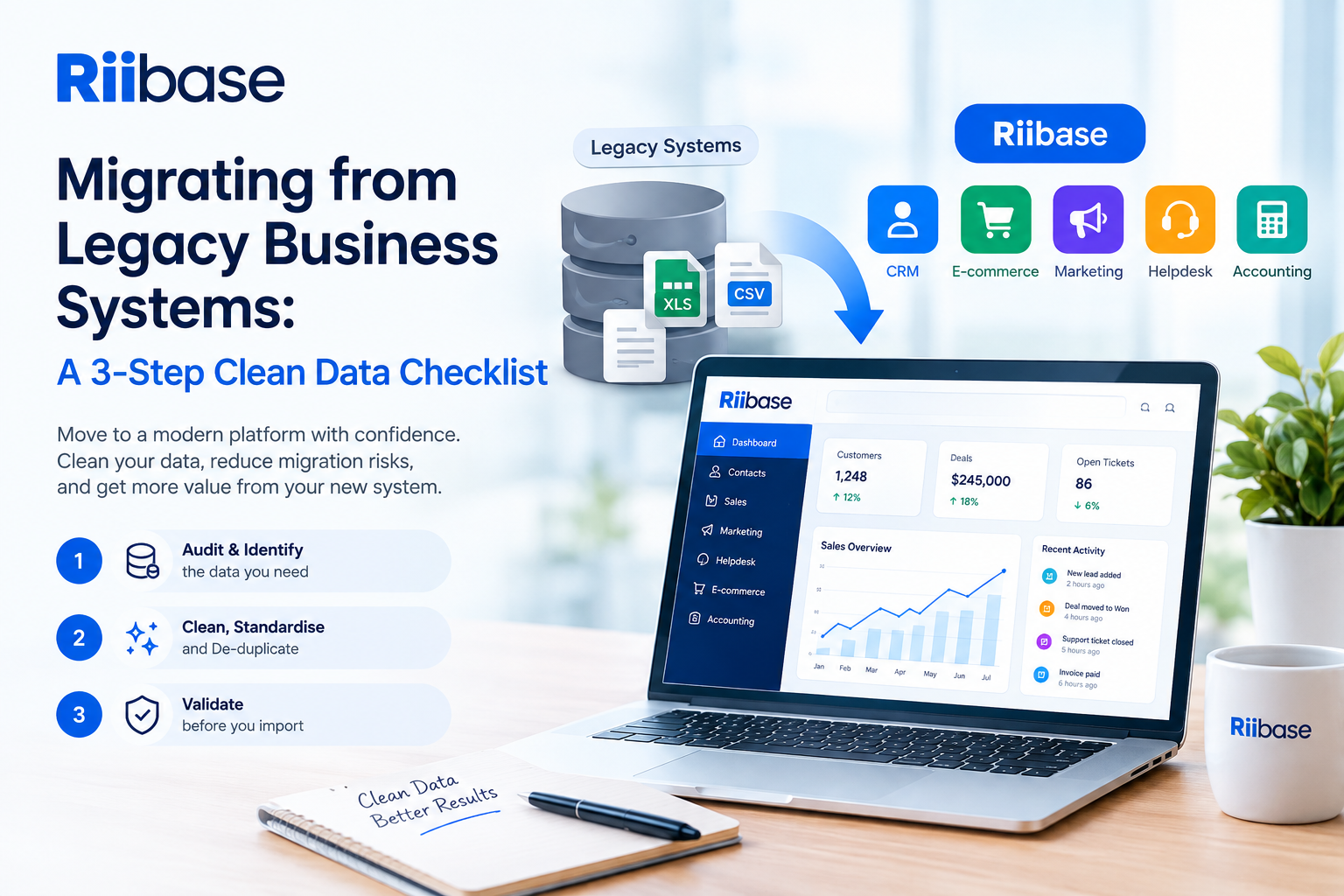
Before migrating to a platform like Riibase, use this three-step clean data checklist to prepare your business data for a smoother transition.
1. Audit and Identify the Data You Actually Need
The first step is understanding what data exists across your legacy systems.
Create an inventory of your current data sources, including:
- Customer and contact databases
- Sales opportunities and pipelines
- Product and service information
- Invoices and payment records
- Marketing lists
- Support tickets
- Spreadsheets and CSV files
- Historical reports
Not all historical data needs to be migrated. Old records that have no business value can add unnecessary complexity and increase the amount of work involved.
Separate your information into three categories: keep, review, and remove.
Keep data that is accurate and still relevant to your operations. Review information that may need updating or verification. Remove obsolete, redundant, or unnecessary records where appropriate.
This process gives you a clearer picture of what should actually move into your new system.
2. Clean, Standardise, and De-Duplicate
Once you've identified the data you need, it's time to clean it.
Duplicate records are one of the most common problems during business-system migrations. For example, the same customer might appear several times because different employees entered slightly different names, email addresses, or phone numbers.
Look for:
- Duplicate customers and contacts
- Missing email addresses or phone numbers
- Inconsistent company names
- Different date formats
- Incorrect or incomplete addresses
- Invalid email addresses
- Inconsistent product or category names
Standardise your data before importing it. For example, decide whether phone numbers should include country codes and ensure dates follow one consistent format.
Where possible, establish rules for fields such as customer status, industry, lead source, and sales stage.
Clean data creates better reporting and more reliable automation after migration.
3. Validate Before You Import
Never assume that cleaned data is automatically ready for migration.
Before importing everything into your new business platform, perform a validation check. Compare your cleaned dataset against the original records and confirm that important information has not been lost or incorrectly transformed.
A test migration is also highly recommended. Import a small sample of records first and check:
- Customer and contact fields
- Relationships between records
- Sales pipelines
- Product information
- Historical transactions
- Custom fields
- Reporting data
Once the test migration looks correct, you can proceed with the larger dataset.
Make Your Migration an Opportunity to Start Fresh
Migrating from a legacy system isn't just about moving information from one database to another. It's an opportunity to simplify your processes, remove outdated data, and create a more reliable foundation for growth.
With a structured approach to auditing, cleaning, and validating your data, your business can reduce migration issues and get more value from its new system.
Riibase brings CRM, sales, marketing, helpdesk, e-commerce, and accounting capabilities together in one modern business platform—helping businesses reduce reliance on disconnected legacy systems and SaaS tools.